
Render Functions Explained - Senior Vue.js Developer Exam
Render functions provide a low-level method of defining Vue.js components. They allow you to work directly with the virtual DOM. In this article, learn how to wield them to your advantage.

Daniel Kelly
October 14, 2024
1. Introduction to Vue.js Render Functions
Vue.js is known for its intuitive template-based approach to building user interfaces. However, for more complex scenarios, Vue offers a powerful alternative: render functions. These JavaScript functions provide a lower-level, more flexible way to create Vue components and are ultimately what your SFC’s compile too. For the Senior Vue.js Developer Exam, you’ll need to know how to work with render functions.
2. Comparison with Template-Based Rendering
While templates are excellent for most use cases, render functions offer several advantages:
- Flexibility: Render functions allow for more dynamic component creation.
- Performance: For complex components, render functions can be more efficient.
- Programmatic Control: They offer fine-grained control over the rendering process.
However, templates are generally more readable and easier to maintain for most components.
3. Basic Syntax and Usage
A basic render function looks like this:
      import { h } from "vue"
function MyComponent(props, { slots, emit, attrs }) {
    return h("div", "Hello World!")
}
The h function (short for hyperscript) is the key to creating elements. It accepts three arguments:
- The tag name or component
- An object of attributes, props, and events (optional)
- An array of child elements (or a string for a single text node)
4. Working with Virtual DOM
Render functions work directly with the Virtual DOM. Instead of writing HTML, you use JavaScript to describe the structure of your component. Vue then uses this description to efficiently update the actual DOM when changes to reactive data occur. Take a look at this simplified example of virtual DOM. Notice how it describes a DOM node but via a JS object:
      const vnode = {
  type: 'div',
  props: {
    id: 'hello'
  },
  children: [
    /* more vnodes */
  ]
}
It’s actually pretty simple!
5. Advantages and Use Cases
Render functions are particularly useful for:
- understanding how Vue works under the hood
- addressing edge cases
- creating simple components quickly in the context of a plugin, etc without creating a separate .vue file
- Building functional components (components with no state) that are slightly more performant
6. Example of a Render Function Component
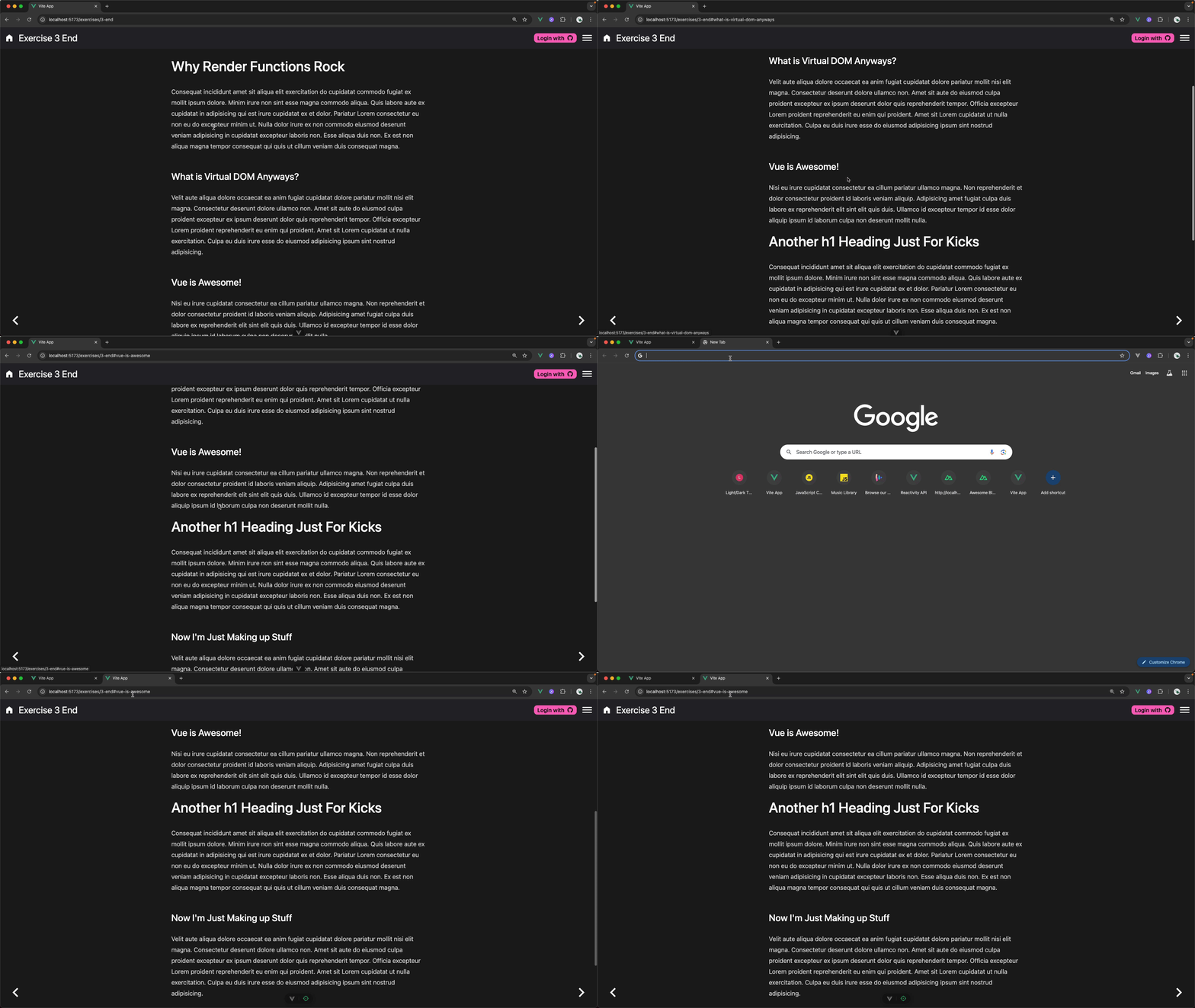
Here's an example of a render function with a type prop, and a default slot. It creates a heading component that outputs h1 - h6 tags that have slugified id’s based on the heading content. When a heading is clicked, the url updates with the proper hash and the url is copied to the clipboard.
import { h } from "vue";
import slugify from "slugify";

export default (props, { slots }) => {
  const id = slugify(slots.default().at(0).children, {
    strict: true,
  }).toLowerCase();
  return h(
    props.type || "h1",

    {
      id,
      onClick: () => {
        navigator.clipboard.writeText(
          window.location.href.replace(/#.*/, "") + `#${id}`,
        );
      },
    },
    [h("a", { href: `#${id}`, class: "no-underline" }, slots.default())],
  );
};
7. Best Practices and Tips
- Use templates for components 99% of the time and use render functions only for edge cases
- Remember to bind events and pass props correctly.
- Use functional components for stateless, pure rendering components.
Conclusion
Render functions in Vue.js offer a powerful way to create complex, dynamic components. While they have a steeper learning curve compared to templates, understanding how they work can give you a slight edge and truly elevate you to a senior Vue.js developer. Prove your knowledge on Vue.js render functions, provide/inject, unit testing, and more by taking the Senior Vue.js Developer Exam and show employers that you are a master of Vue.js!
More certificates.dev articles
Get the latest news and updates on developer certifications. Content is updated regularly, so please make sure to bookmark this page or sign up to get the latest content directly in your inbox.

Building a Vue Career in the Age of AI Coding Tools
How Junior Vue Developers Can Get Hired in 2026 and and what companies are looking for

Reza Baar
Aug 12, 2026

How YouTube Works, and Why It Plays in One Second
How does YouTube start almost any video in about a second? Here's the architectural bet behind it, and why the real call still belongs to you.

Alex Garrett-Smith
Aug 12, 2026

Nuxt 3 hits End Of Life
Nuxt 3 Hits EOL July 31, 2026: Your Staged Path to Nuxt 5 What the Nuxt 3 end-of-life date means, how to migrate through Nuxt 4, and when it makes sense to wait for Nuxt 5 instead.
Reza Baar
Aug 12, 2026